
The full finance module is a bolt on service available to license alongside a standard 1CV license.
The finance module allows users to create customer invoices & supplier bills. When invoices & bills are loaded into 1CV it is possible to have them automatically sent to your accounts system (Xero / Quickbooks *) and also to view realtime Profit & Loss.
Create an Invoice
From the transit finance screen it is possible to create new invoices. The process is a two stage process where the user first creates the individual items that will be added to an invoice and then creates the invoice itself. This is beneficial as it allows users to add invoice items to a transit at any time but not have to assign them to an invoice immediately.
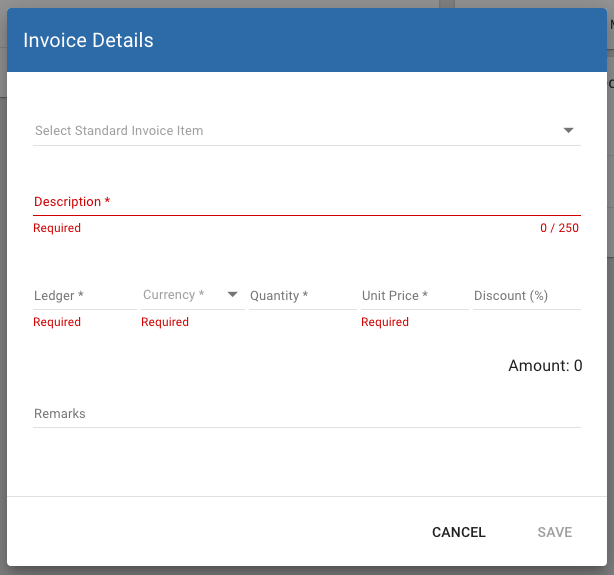
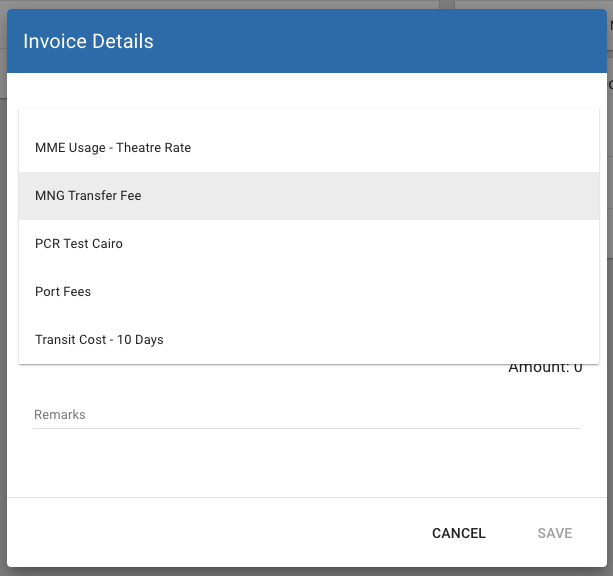
Enter the details in the screen. It is possible to setup "Standard" items in finance configuration to allow users to quickly select one of a number of pre-selected invoice item types...
Once you are ready to assign the items to an invoice, click the add invoice button, from here you can assign the items to an invoice and setup the details for the invoice such as customer name / address / terms etc.
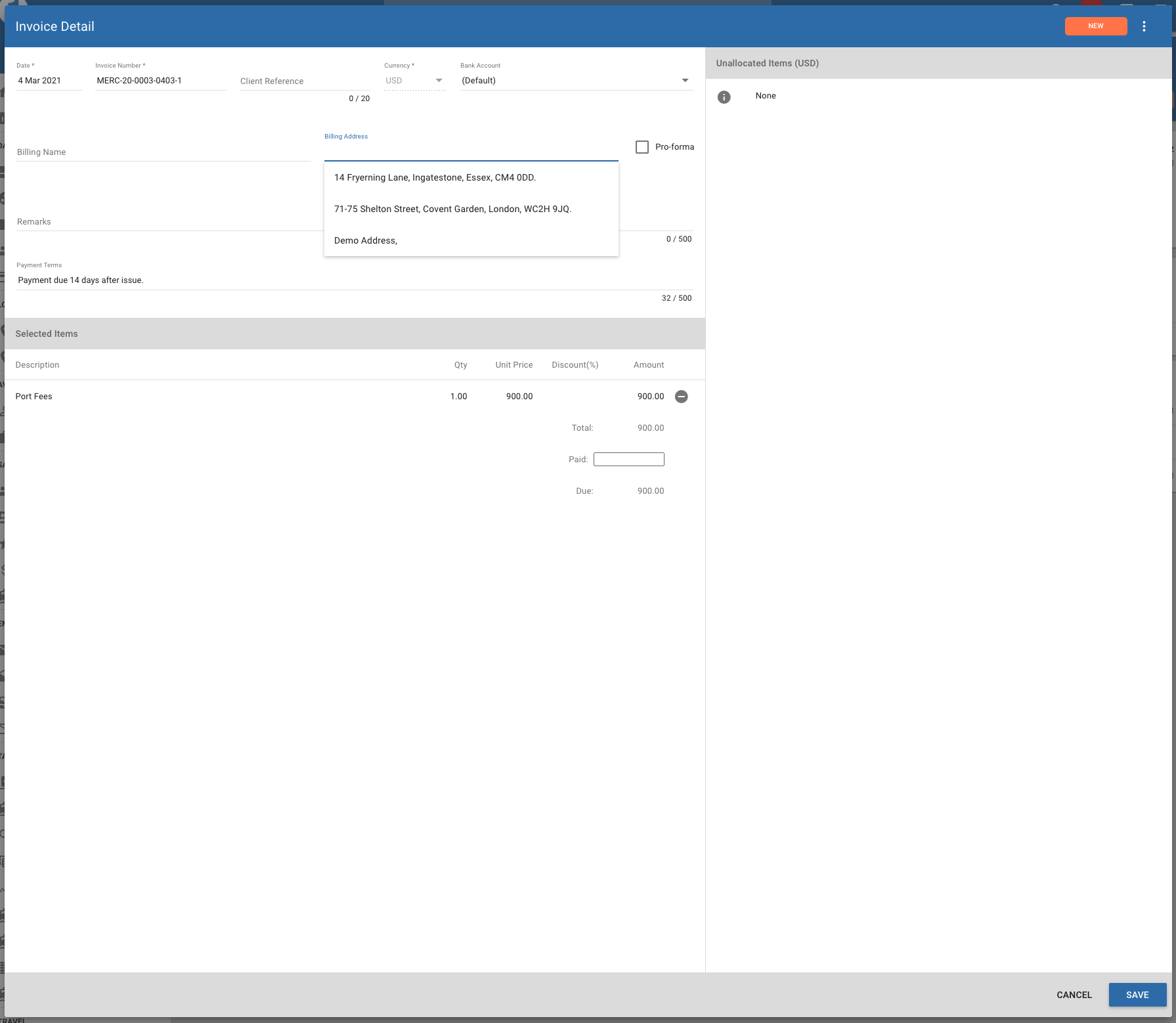
Once saved, it is possible to create a PDF invoice to email to your client. Logos will reflect your own company brand.
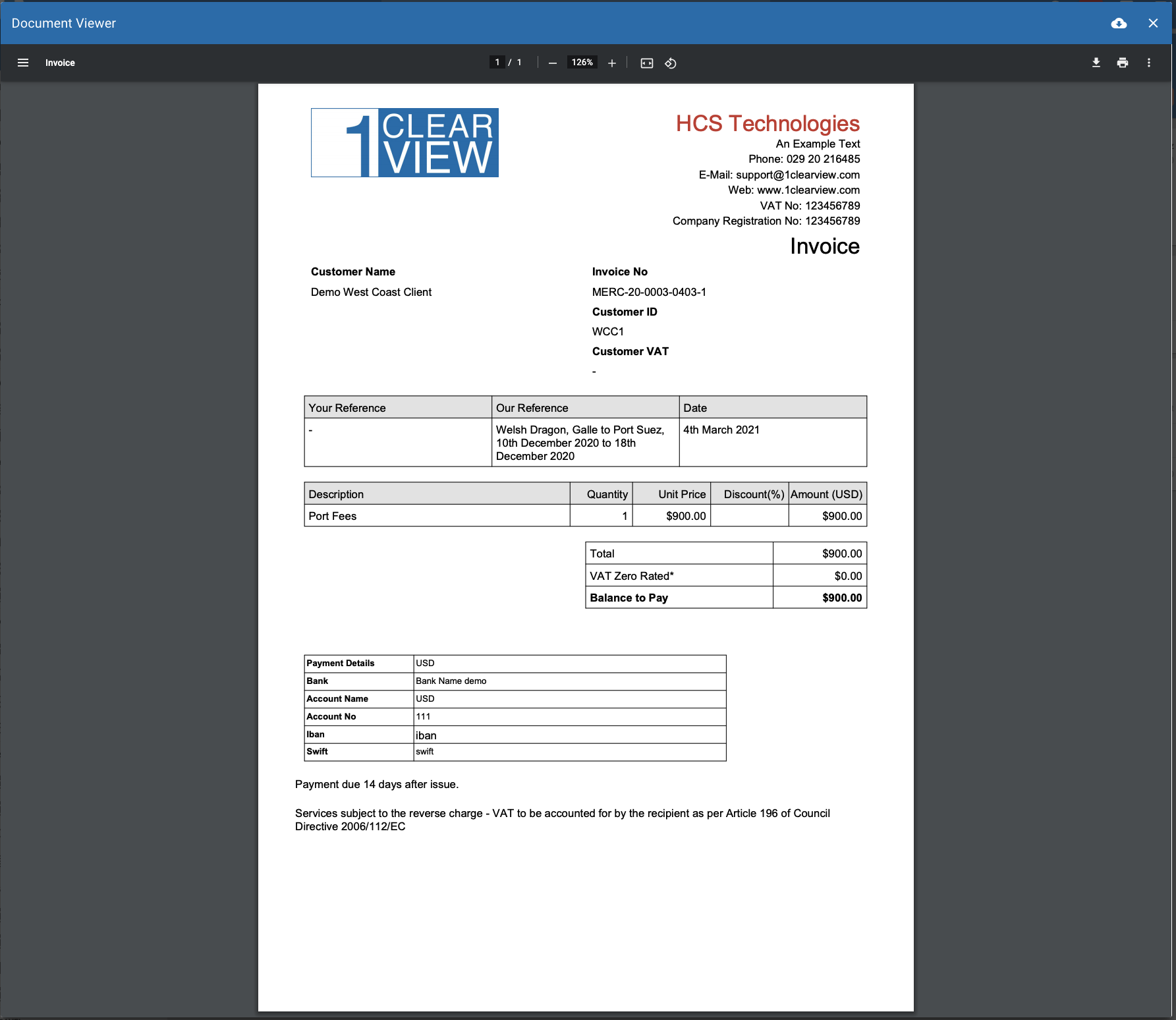
For clients that subscribe to our Xero or Quickbooks * add-ons, you will also be able to send the invoice details to your accounting system.
Create a Direct Expense
Expenses related to a transit can also be uploaded from the transit finance page. Similar to the invoice items, it is possible to setup pre-defined costs that can then be selected by the user. For Xero/Quickbooks subscribers, the ledger code will be be linked to the accounts held in your finance system, otherwise it is a free text field that you can use to enter any code you wish. The ledger code is important if you wish to be able to differentiate costs within the Profit & Loss report (see below).
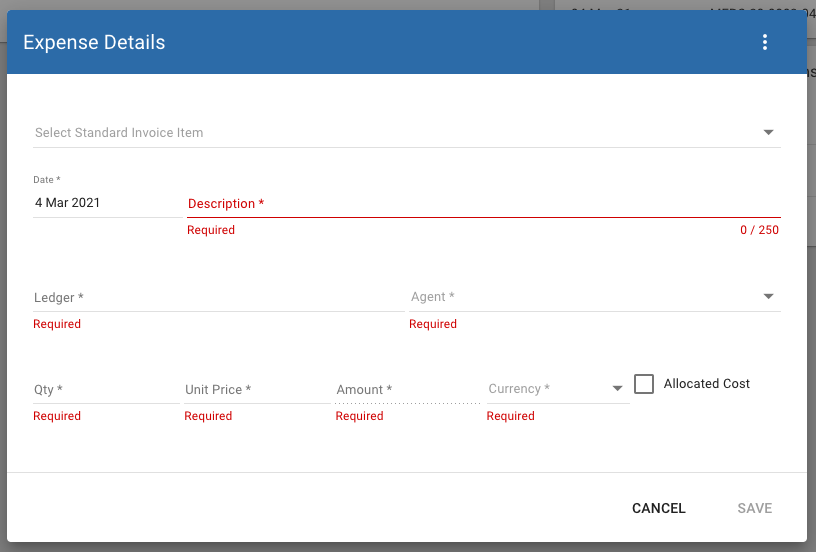
Xero/Quickbooks users will also be able to send these expenses as accounts payable records to their finance system.
Allocated costs can be used to create a "virtual" cost that you wish to apply to the transit but where the real cost is captured elsewhere. This allows you to allocate partial indirect costs to transits to monitor transit P&L as well as monitor top down P&L for the entire company.
When all invoice items and direct costs have been uploaded you are able to see a realtime P&L for each transit...

Create an Indirect Expense
1CV also allows users to capture indirect expenses that are not related to a specific transit. When uploaded, these can also be sent to the finance system for payment. The benefit of loading the costs into 1CV is that you can then view a realtime P&L directly from within 1CV.
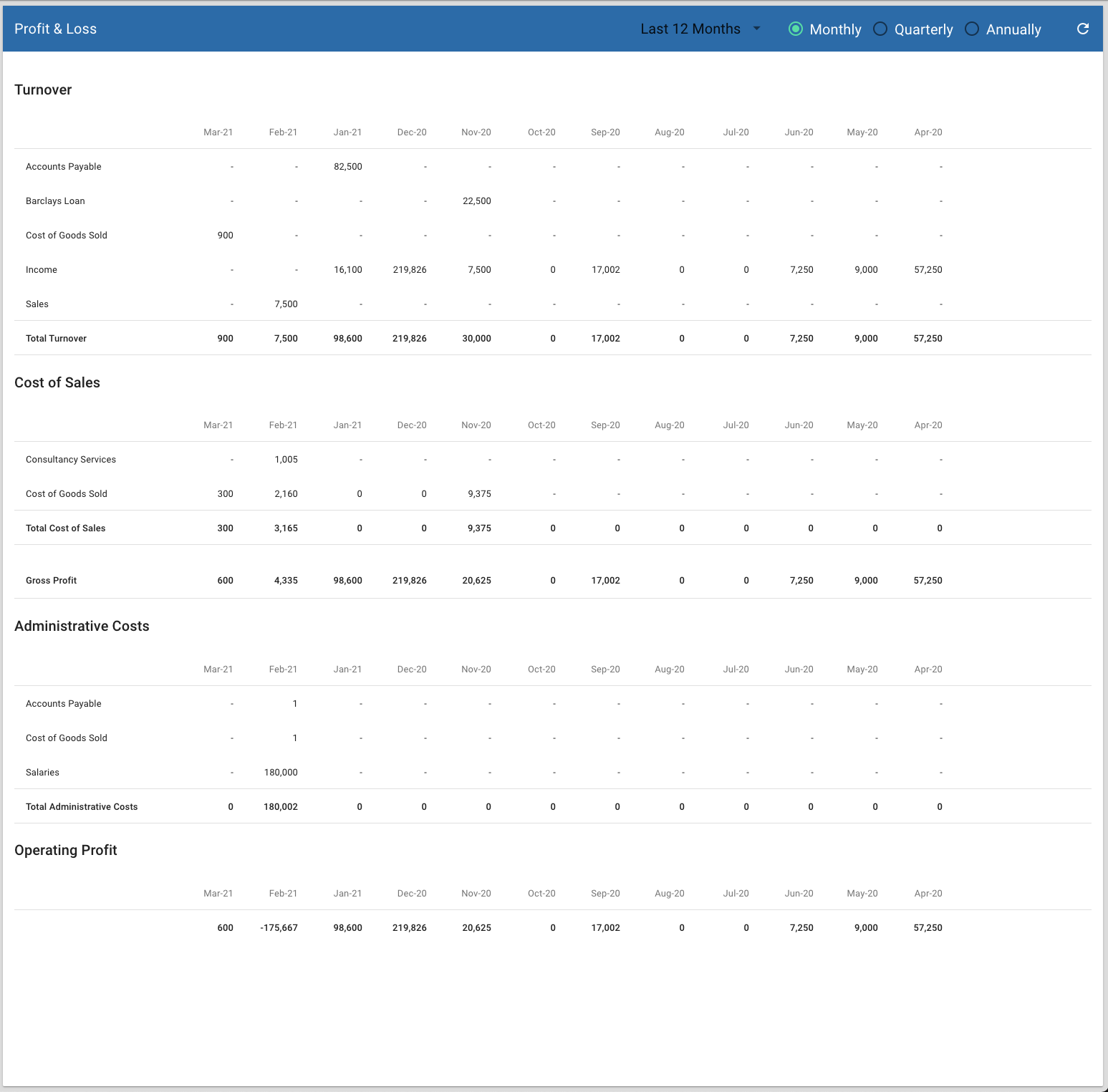
View Profit & Loss
From the finance menu, select P&L.