
Select view table from the toolbar
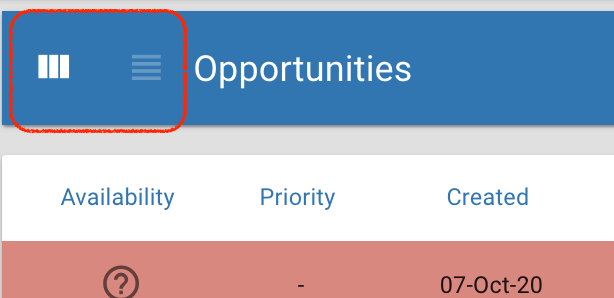
This will display the open opportunities in tabular form. The colour coding represents the status relative to follow up date. All opportunities are that due to be followed up today are orange, all opportunities that are overdue will be highlighted in red.
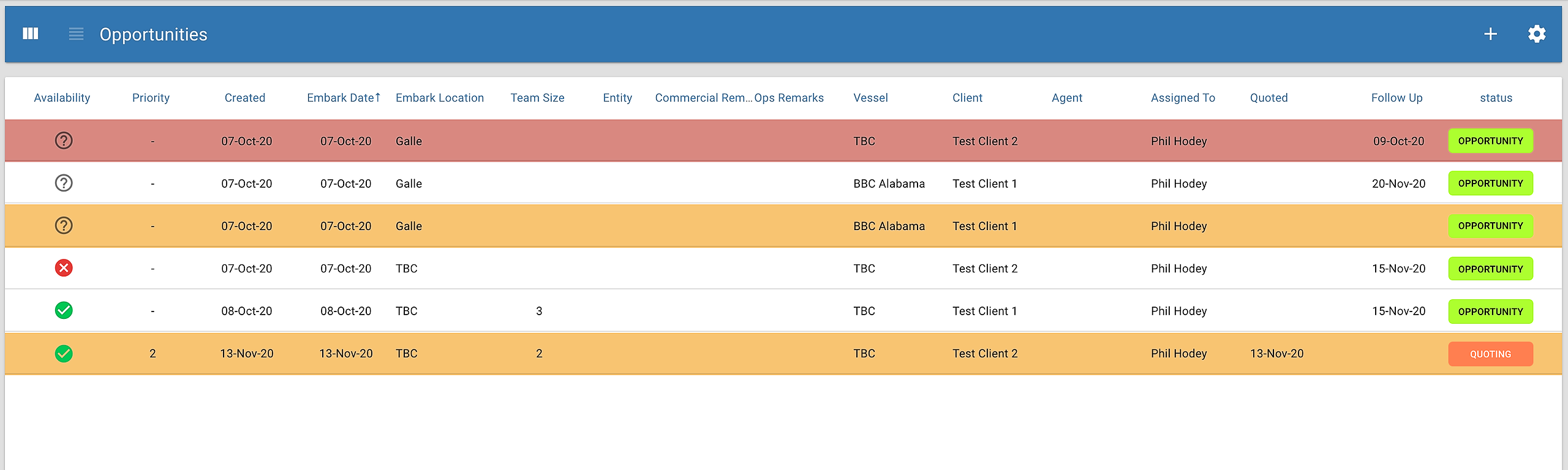
New fields...
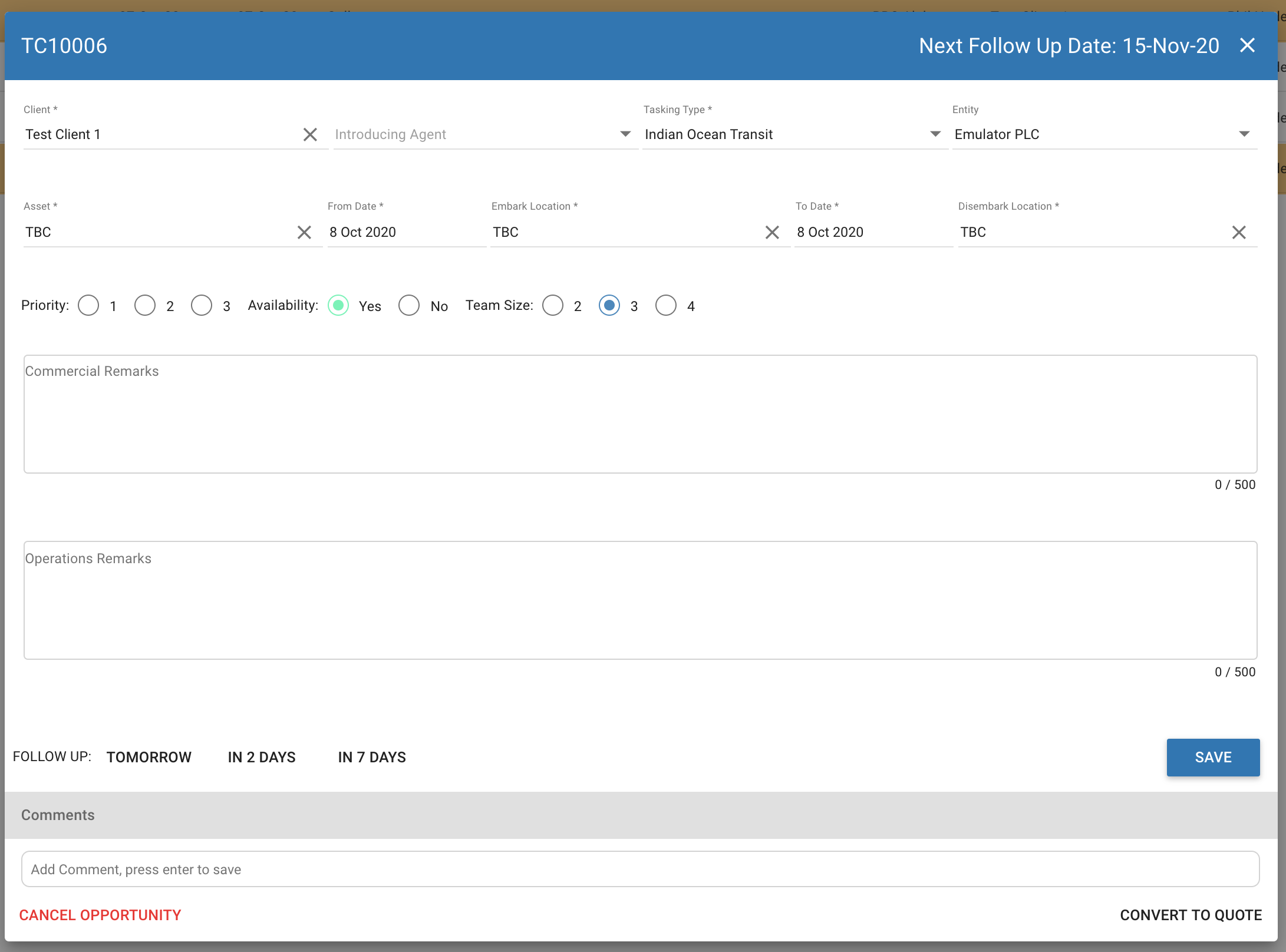
Availability: Manual flag that can be set to confirm if resources are available for the tasking
Priority: Manual flag to set the priority of the tasking from 1 to 3
Team Size: Set the client required team size from 2 to 4
Agent: If the tasking has been introduced by a third party you can record the agents name here
Quoted: Date the opportunity was converted into a Quote
Click an opportunity to update the details...