
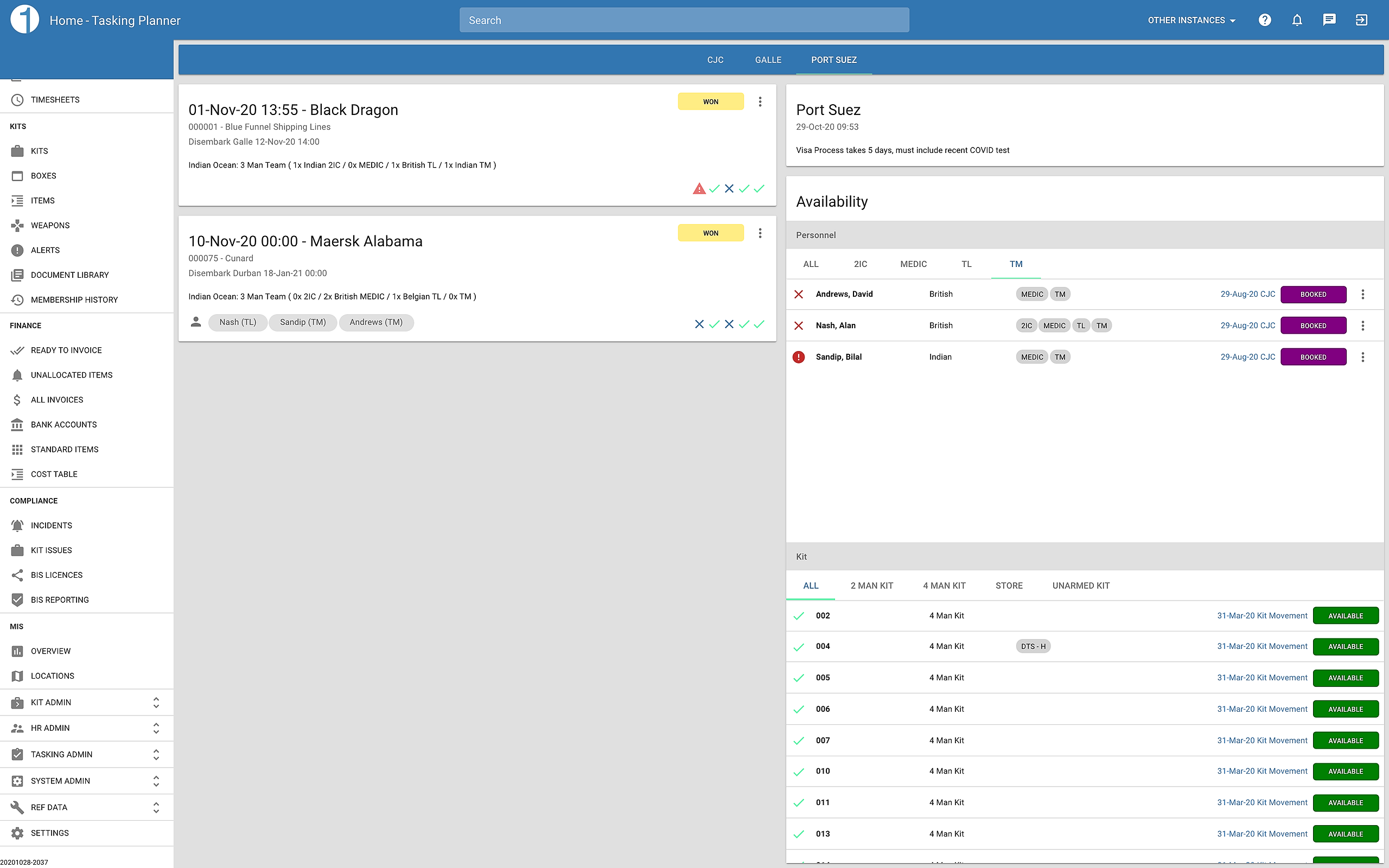
Select Embark Location
The top bar allows you to select the embark location you wish to view

View Upcoming Taskings
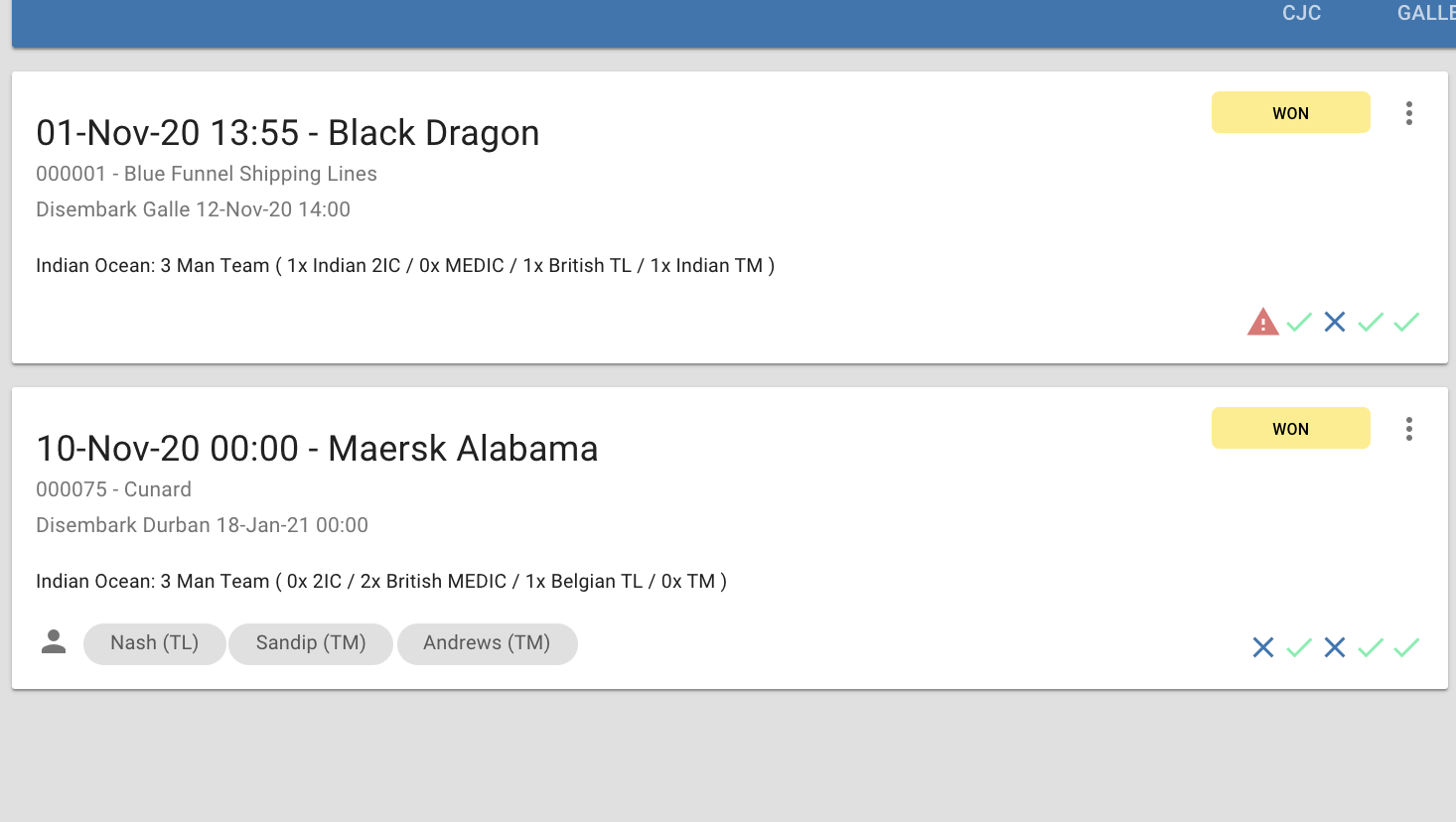
All upcoming taskings with a status less than IN PROGRESS will be displayed in embark date order. Each card shows an at a glance view of the tasking details. From the card menu you can update the tasking status as well as change embark/disembark times. Click the card to view the full tasking details.
View Available Resources
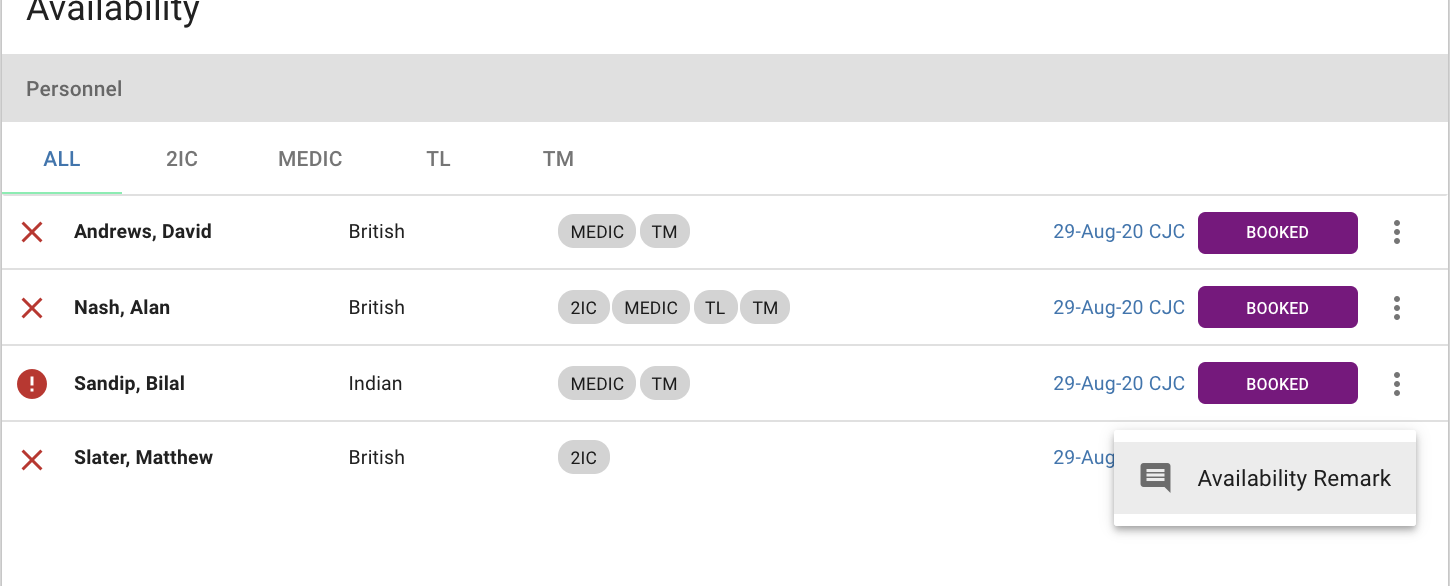
All resources available now or in the future will be displayed in the availability list. The persons document status as well as nationality, roles & arrival details.
* Availability is location group aware, all resources within the same location group will be displayed.
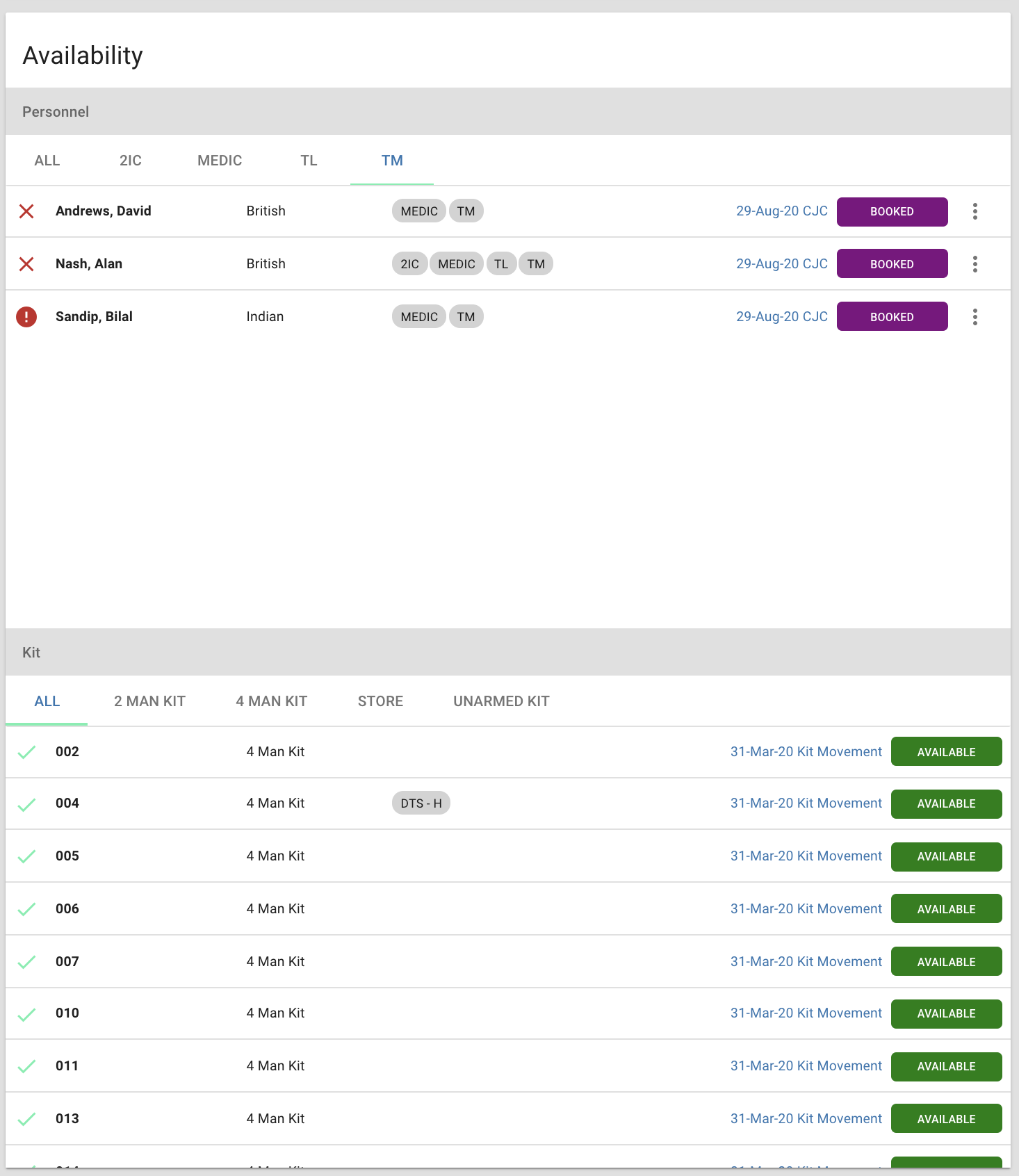
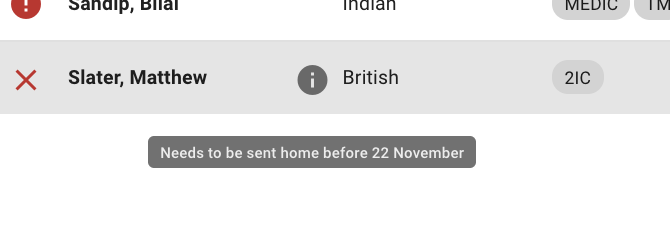
You can also set availability notes for personnel...
View/Edit Location Notes
For each location, enter any notes that can help guide ops teams when planning tasks.

Add Resource to Tasking
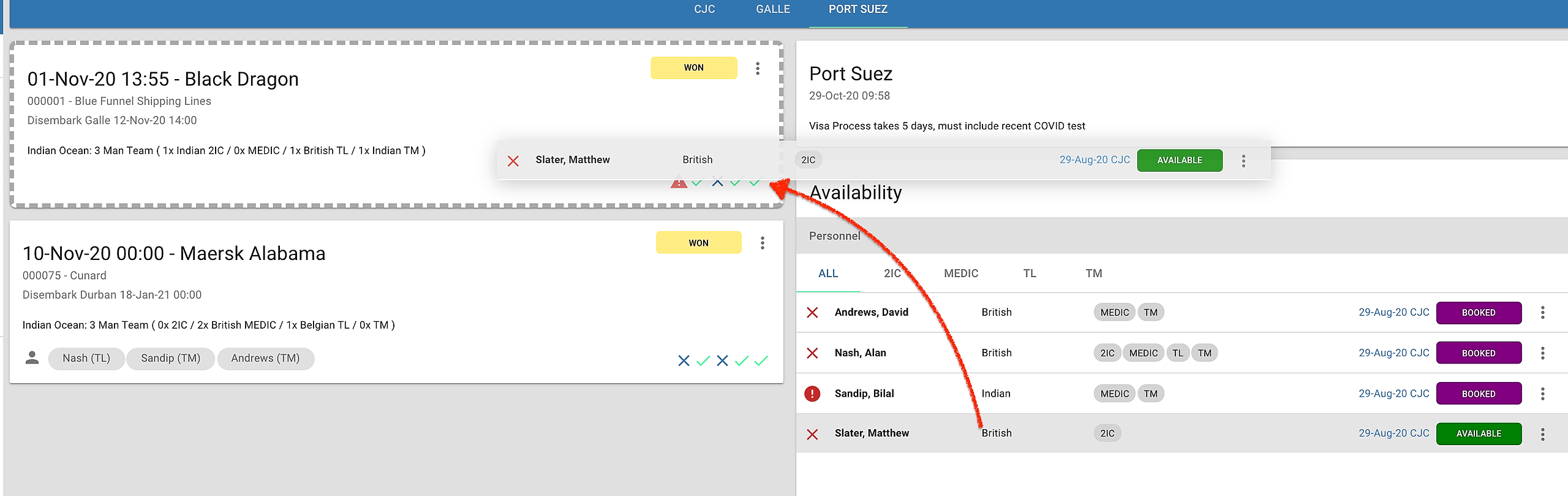
To add personnel and kit to tasking, simply drag and drop the resource onto the tasking.
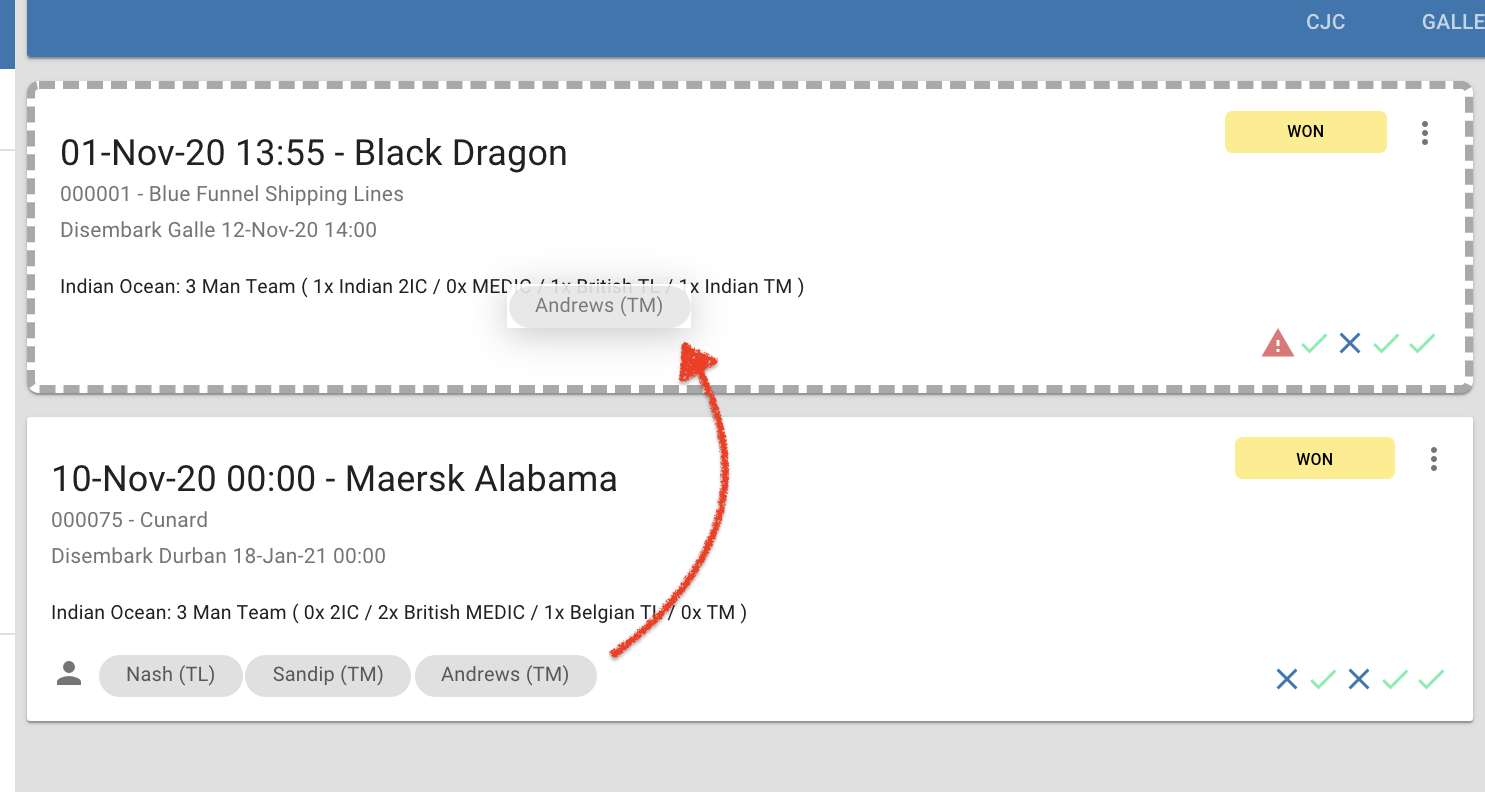
Move Resource to Tasking
If resources need to be reallocated to a different task, simply drag the person to the new tasking. This will also move any associated travel records.