

Please setup the reference data below in the same order...
Agents
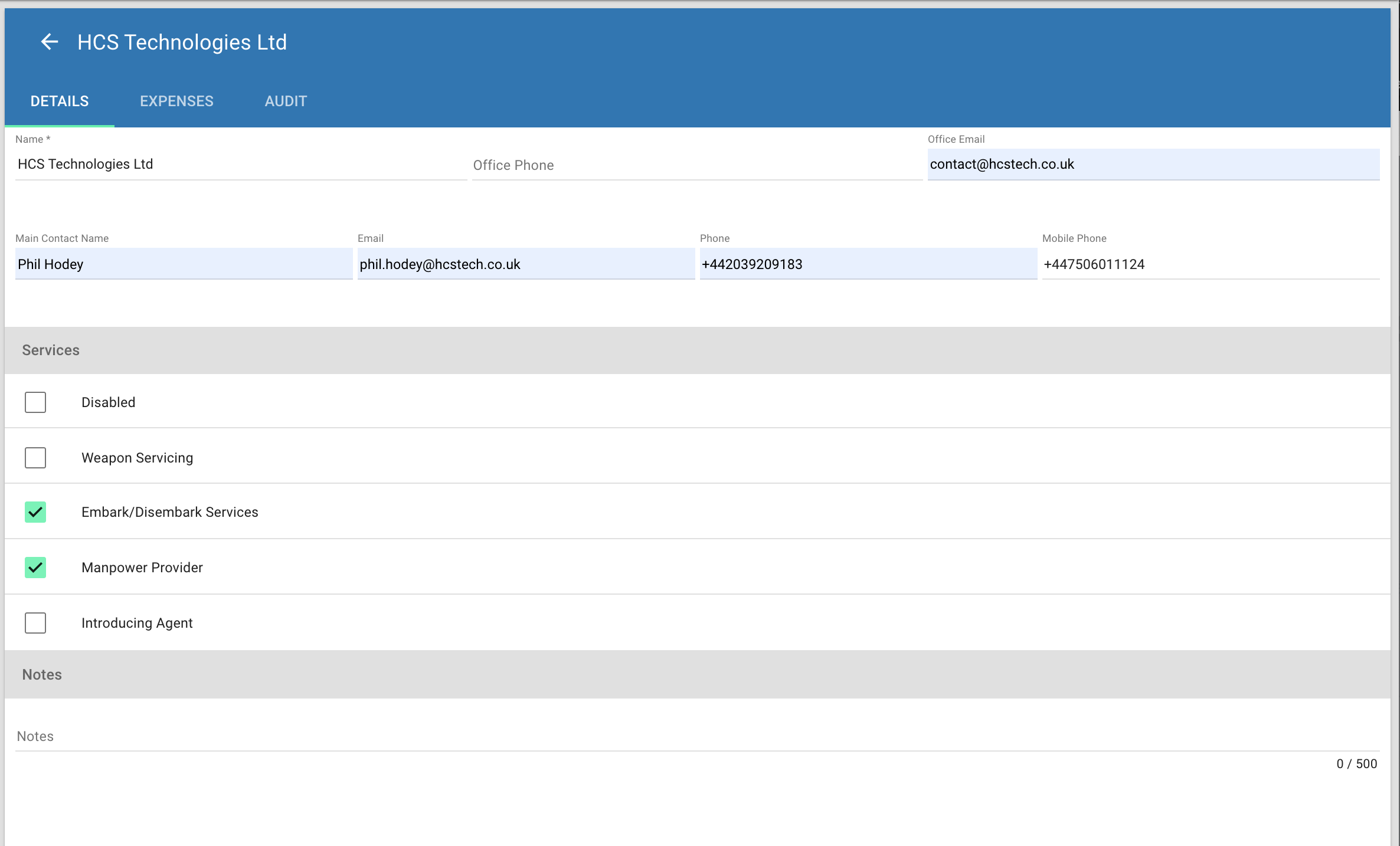
List all agents you wish to track in the system. When adding agents, select the services they provide to ensure they are displayed in the related parts of the system.
Location Groups
Before setting up the locations you wish to use for tasking start and end points you may with to setup location groups. Location groups are used to display availability across areas that are close enough to be considered interchangeable. For example, you may wish to group Suez with any VBA you use in the Red Sea. This will then show all personnel and equipment located on VBA's when creating taskings starting in Suez.
Locations
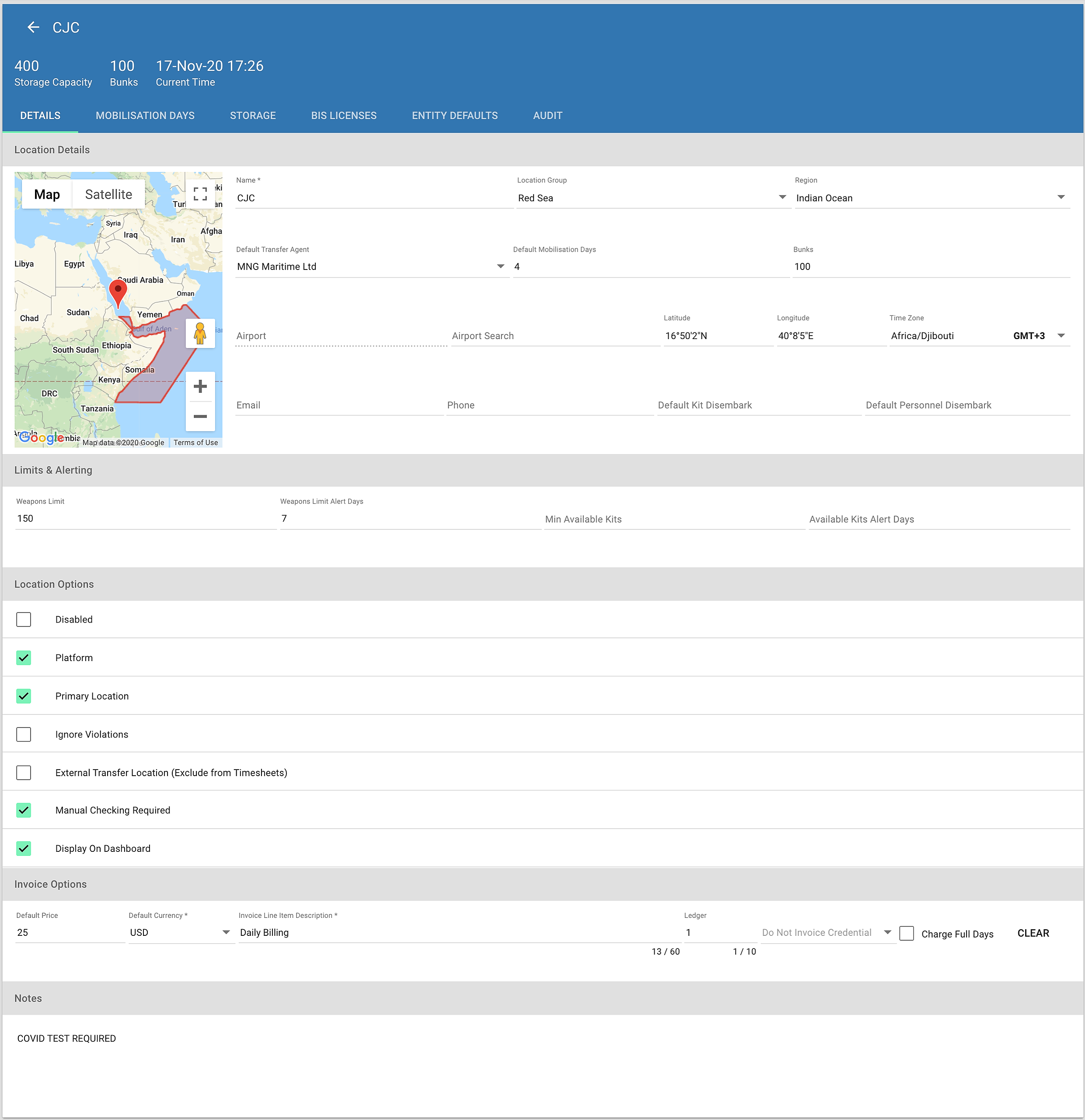
Once location groups have been setup, you can proceed to setting up all locations you wish to operate from.
Clients
Enter all clients you will be serving in the system. There are numerous configuration options available for clients, many of which are advanced features beyond the scope of this document. The only required information is the full name of the client, a short name for use in tables and the VAT / billing currency for the client.
Assets
A list of all assets that you will be protecting within the system. Assets can be classified as Vessels, Vehicles, Aircraft, Buildings, Fixed Installations or Other. Depending on the selected type, different options are displayed within the asset page. For Vessels, additional fields are made available to store information regarding flag state, IMO, MMSI etc.
Done!
Once all Ref Data has been entered, you are are then ready to setup personnel, kits & tasking types.