
1CV has extensive resource management and tracking features. Before you can create a kit, you must configure the system, instructions can be found here.
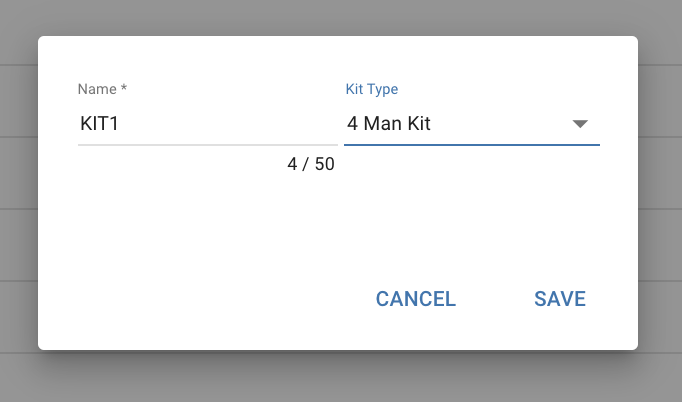
Create a Kit...
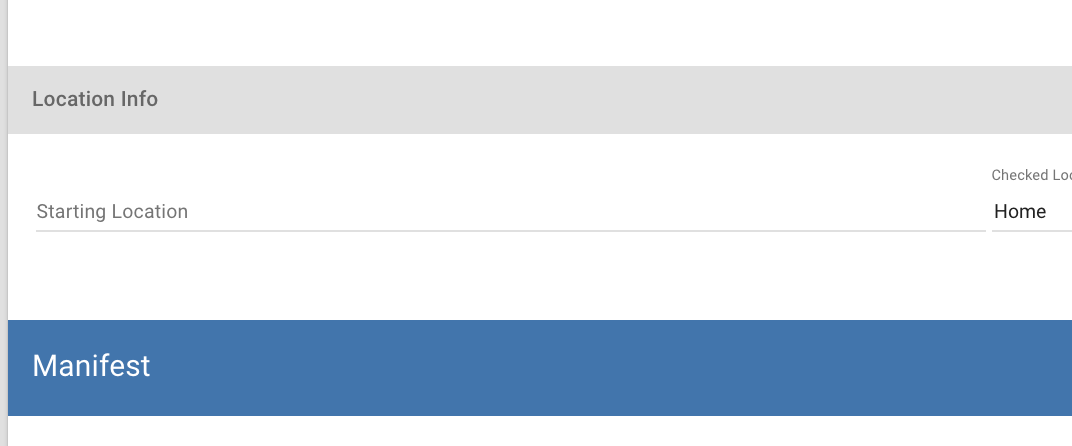
Set Current location...
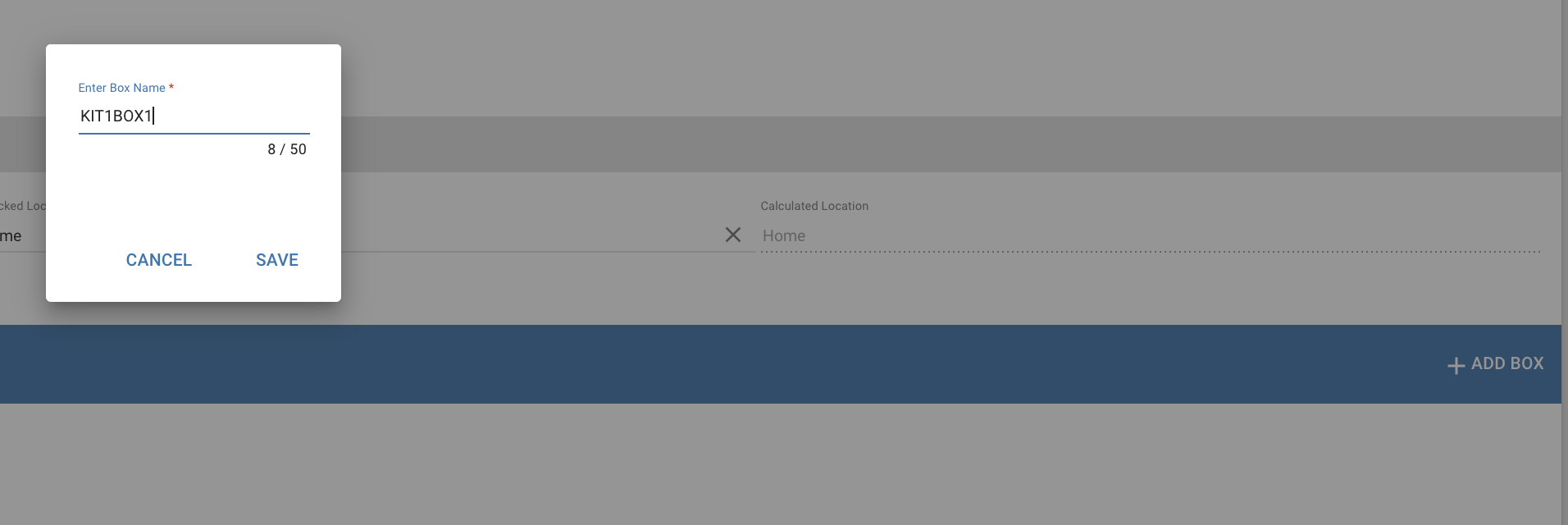
Add Boxes to a Kit...
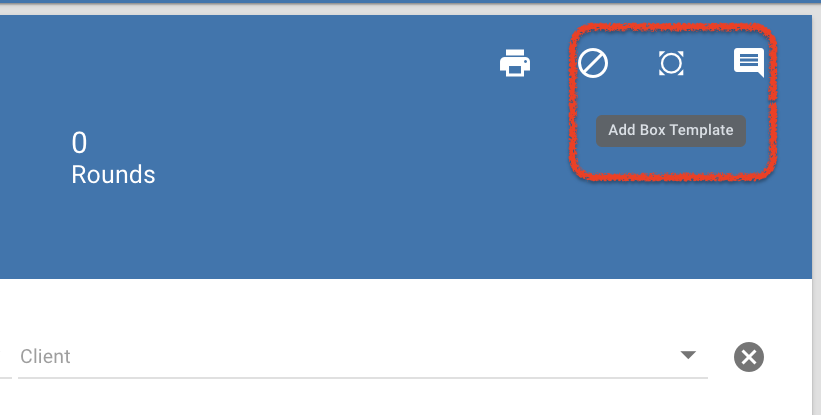
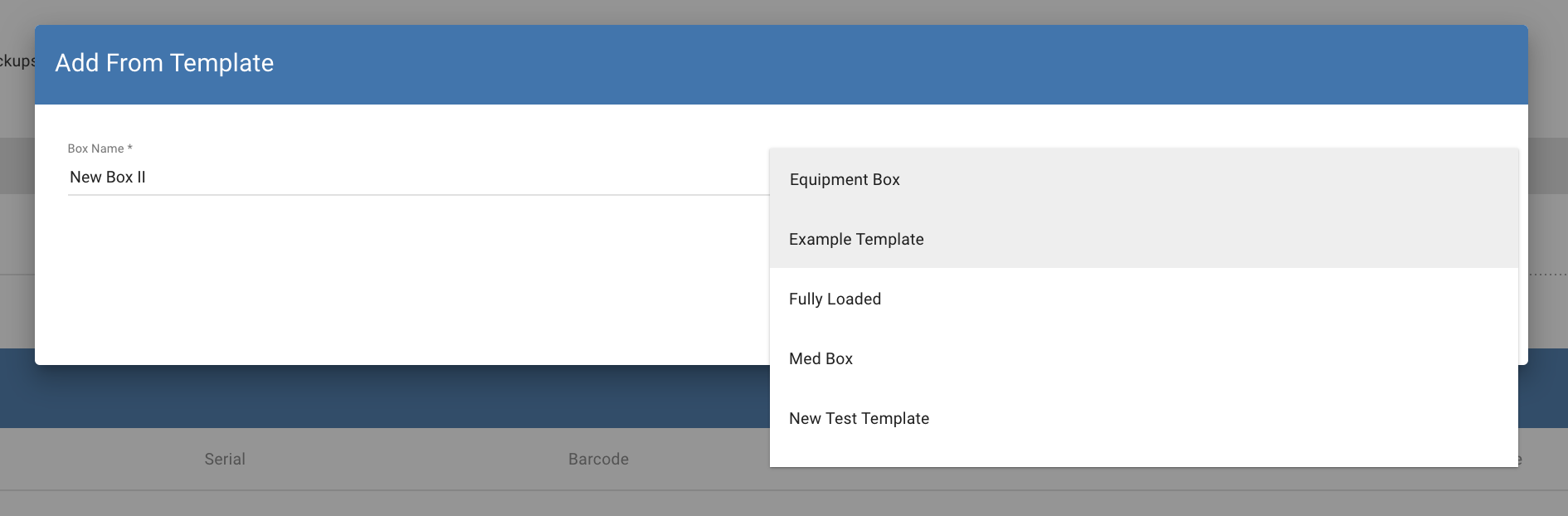
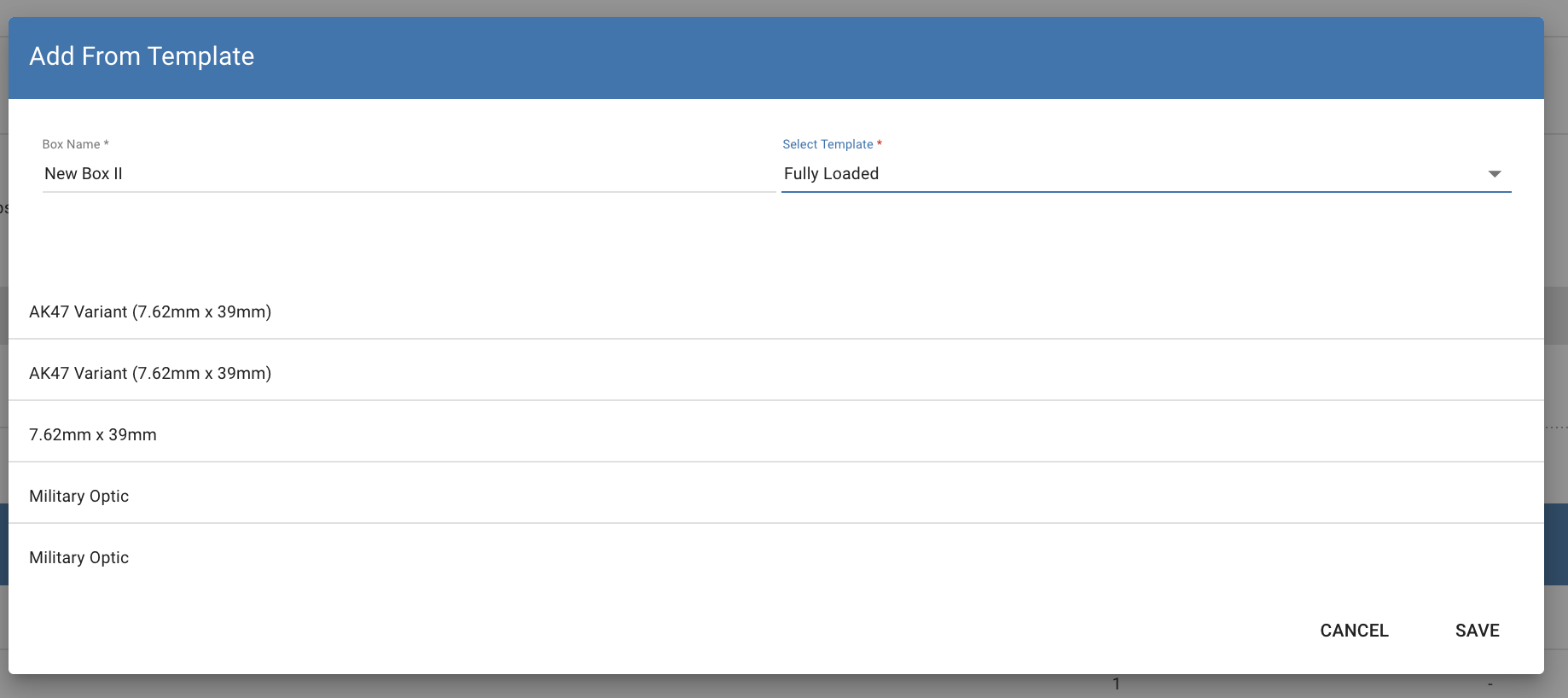
Add a box from a template...
If you have created box templates, you can use these to auto populate the contents of a box...
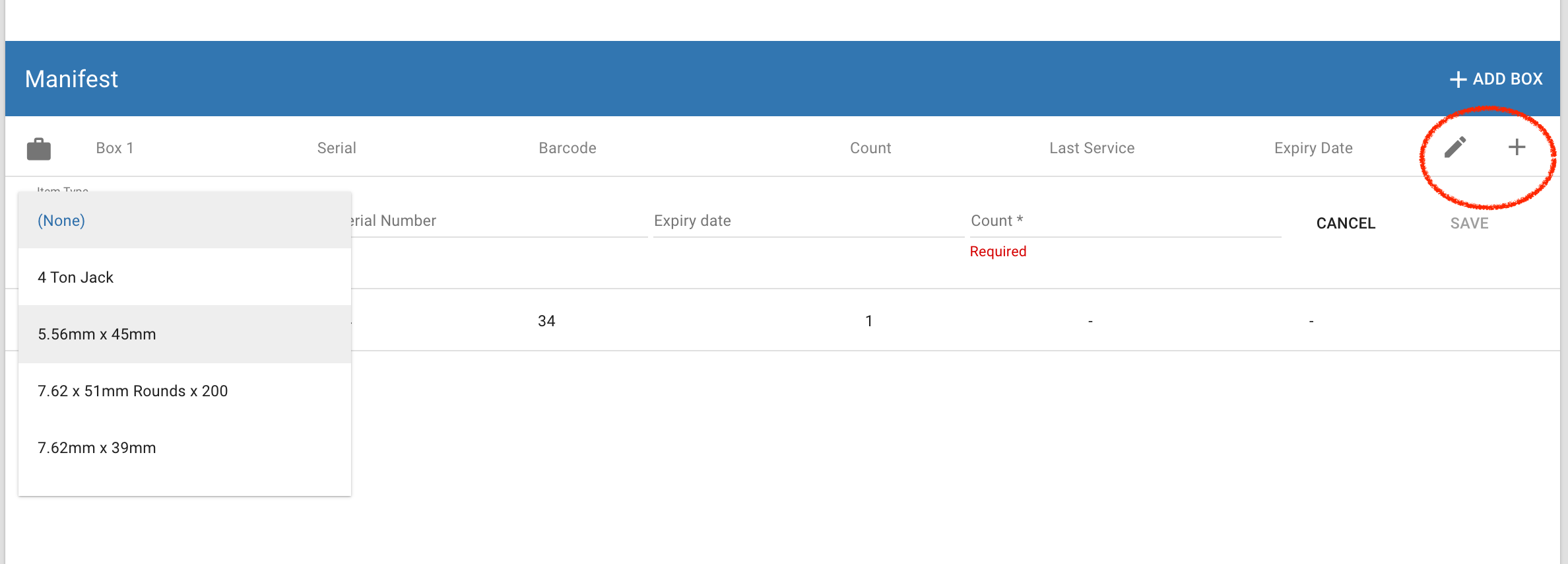
Add Items to a Box...
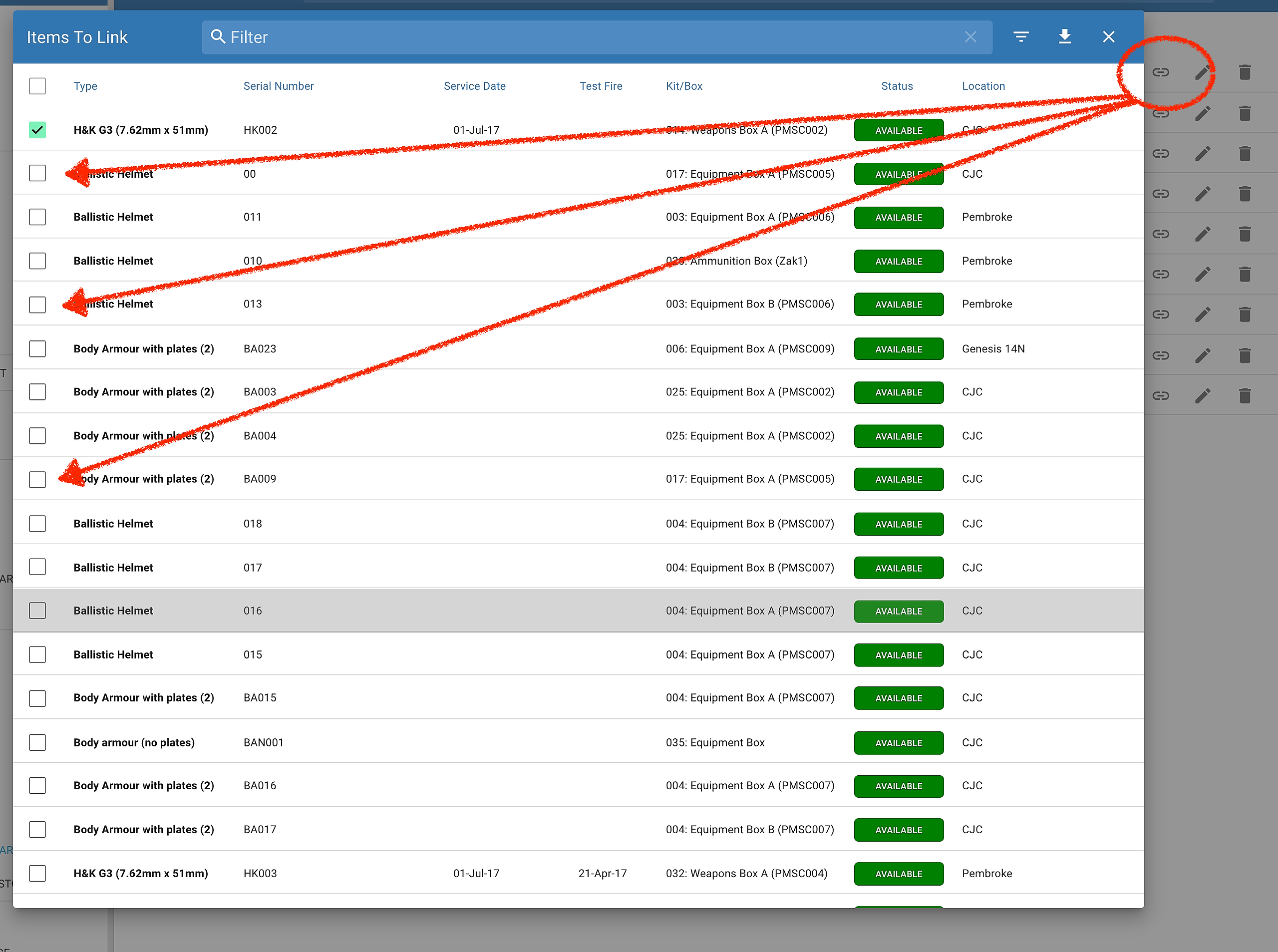
Upload Equipment Related Documents & Link to Item...
Kit related documents can be related a number of different items. As such, instead of uploading the same document to each item you can upload the document once and then link to multiple items...
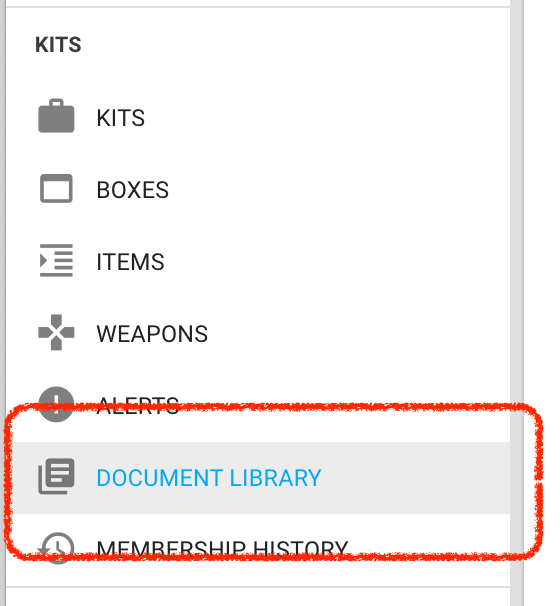
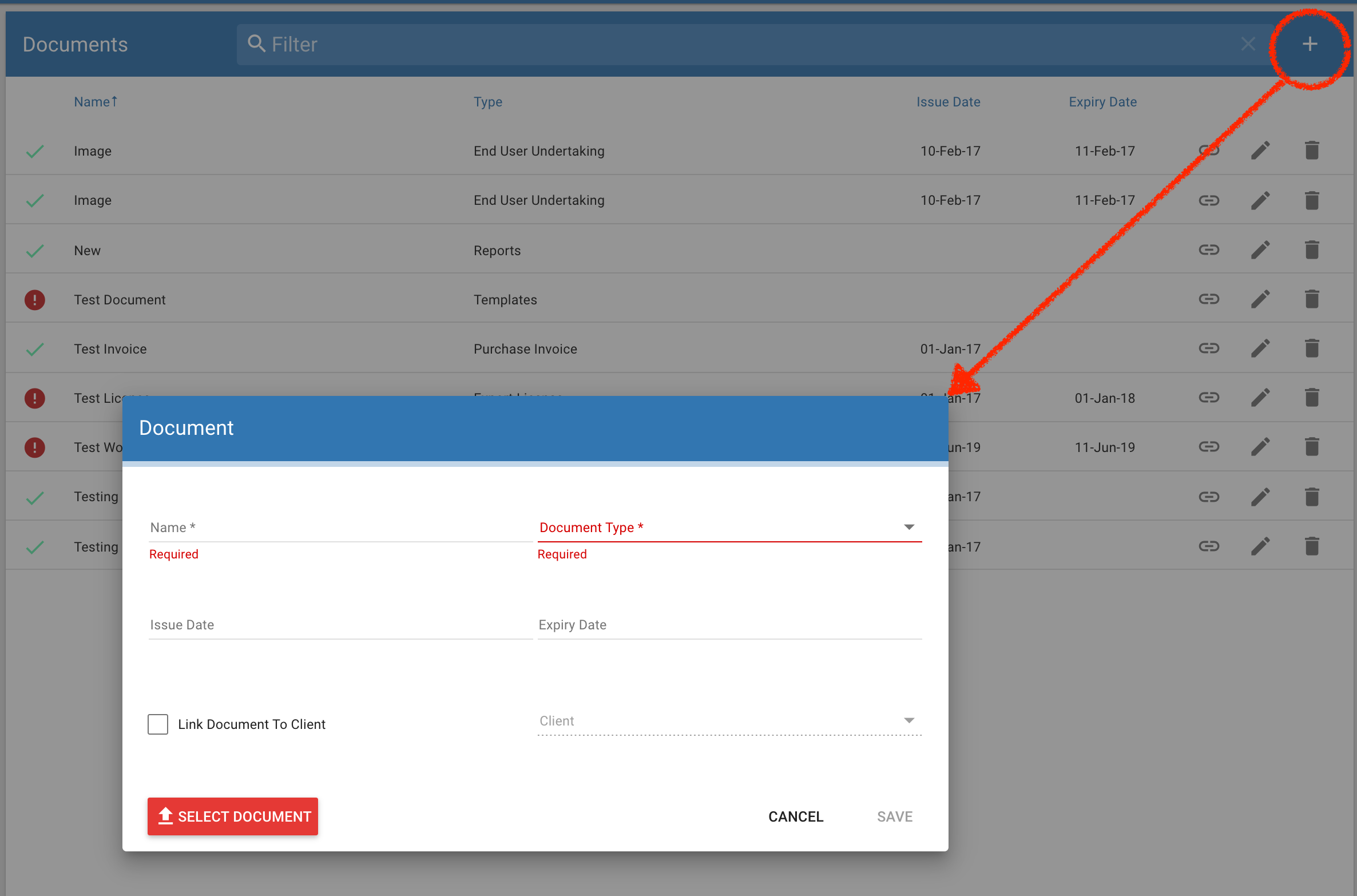
Upload the document...
Link the document to each related item..